

Decision guide · Updated May 2026

Best VPN for Gaming

Most VPNs add lag that ruins competitive play. These cut speed loss to a few percent, hold under DDoS, and route you to the closest servers for the lowest ping.

  • Independently tested
  • No sponsored rankings
  • As featured in Forbes
See all 4 picks
Our answer#1 of 4

NordVPN

Best for Gaming
94/100

Only 3% speed loss on NordLynx · lowest ping in our tests · from $3.39/mo.

Get NordVPN
30-day money-back guarantee

The ranking

All 4 picks, ranked

Ordered by overall score from hands-on testing. Each badge tells you who that pick is for.

  1. 1
    NordVPNBest for Gaming
    4.62M reviewsOnly 3% speed loss on NordLynx · lowest ping in our tests · from $3.39/mo
    Get NordVPNBuy
  2. 2
    ExpressVPNBest for Speed
    4.7889K reviewsLightway low-latency protocol · 1-second connect · consistent high speeds
    Get ExpressVPNBuy
  3. 3
    SurfsharkBest Value
    4.7397K reviewsFrom $1.99/mo · unlimited devices · low ping across regions
    Get SurfsharkBuy
  4. 4
    CyberGhostBest for Beginners
    4.2207K reviewsGaming-optimized servers · 45-day money-back · 11,500+ servers
    Get CyberGhostBuy

You’re in the middle of an intense online match. Your team is relying on you. Suddenly, your game slows down or you can’t even join because of where you live. That kind of disruption costs the match and ruins the experience.

A VPN keeps your connection fast, secure, and open to servers worldwide. This guide covers which VPNs perform best for gaming, how to set them up on any device, and the testing methodology behind our recommendations.

Why Use a VPN for Gaming?

A VPN creates an encrypted tunnel for your internet traffic. It hides your location and protects your connection from outside interference. Here’s why that matters for gaming:

  • Reduce lag: A VPN can lower latency by finding more efficient routes to game servers. Modern protocols like WireGuard minimize the speed overhead that older protocols added to gaming connections. If you’re unsure which protocol to use, our WireGuard vs OpenVPN comparison breaks down the speed and security differences.
  • access region-locked content: Certain games, DLC, or early releases may only be available in specific countries. Publishers like Valve enforce regional store restrictions on Steam[1], and connecting to a server in the target region gives you access.
  • Prevent DDoS attacks: Competitive gamers are frequent targets. According to Cloudflare’s DDoS threat report[2], gaming and gambling remain among the most-attacked industries by volume. A VPN hides your real IP address, making it nearly impossible to hit you with a denial-of-service attack.
  • Stop ISP throttling: Some internet providers deliberately slow gaming traffic during peak hours. A VPN hides your activity, so throttling never triggers.

A VPN won’t help every player equally. If your base connection is already optimal with low ping to nearby servers, you may notice a small amount of added latency from encryption overhead. For most players dealing with throttling, DDoS risk, or region locks, the trade-off is worth it.

Best VPNs for Gaming Compared

VPNSpeed LossServersConnectionsPrice
NordVPN3%9,300+10$3.39/mo
ExpressVPN7%3,000+8$6.67/mo
Surfshark21%3,200+Unlimited$2.49/mo
CyberGhostModerate13,000+7$2.25/mo

NordVPN: Best Overall for Low Latency

NordVPN recorded only 3% speed loss using its NordLynx protocol in our gaming-specific latency tests. It operates over 9,300 servers across 211 locations. Meshnet allows private gaming sessions with friends on a secure network. NordWhisper hides VPN usage from networks that block VPN traffic.

ExpressVPN: Best for Easy Setup

Over 3,000 servers in 105 countries with the Lightway protocol for quick, stable connections. MediaStreamer enables VPN functionality on consoles that don’t support apps natively. Reliable on hotel and public Wi-Fi.

CyberGhost: Best for Dedicated Gaming Servers

Over 13,000 servers with gaming-optimized options that reduce latency automatically. Simple interface ideal for users new to VPNs.

Surfshark: Best Budget Option

Over 3,200 servers in 100 countries with unlimited simultaneous connections. Your entire household can game on one account. Camouflage Mode hides VPN traffic from ISPs and network administrators.

How We Tested These Gaming VPNs

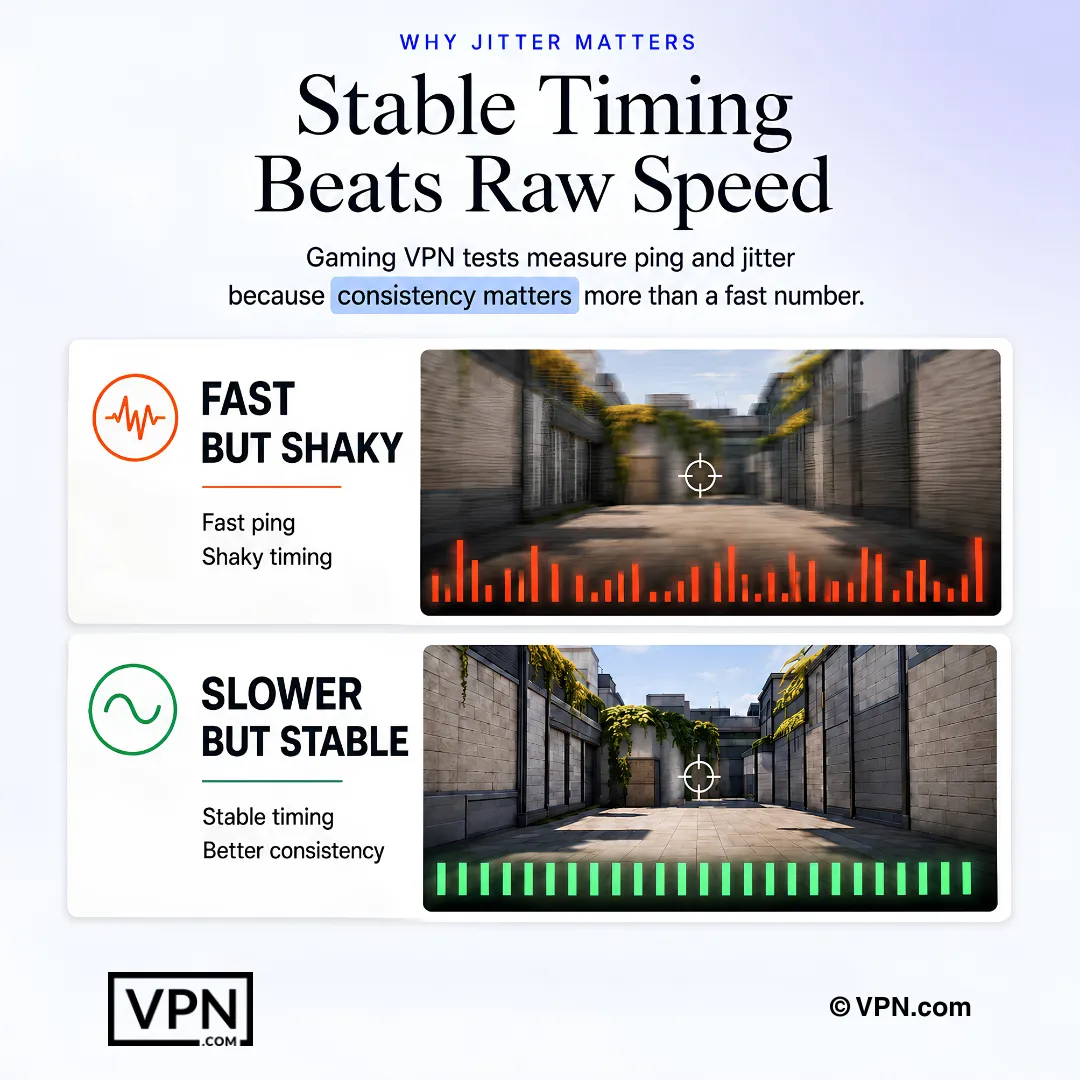
Speed-loss percentages in our comparison table come from controlled tests on a 500 Mbps fiber connection. We measured ping, download speed, and jitter using Ookla’s Speedtest methodology[3] across three server regions: US East, EU West, and Asia-Pacific.

Each VPN ran five consecutive tests per region using WireGuard or the provider’s fastest protocol. We averaged the results and compared them against a baseline connection with no VPN active.

We also tested each provider for DNS leaks, kill switch reliability, and NAT type impact on PlayStation and Xbox networks. NordVPN’s 3% speed loss held consistent across all three regions. ExpressVPN averaged 7%. Surfshark showed more variance, with losses ranging from 15% to 27% depending on the server location.

For a broader comparison across non-gaming workloads, see our full VPN speed benchmarks.

How to Set Up a VPN for Console and PC Gaming

How to use the best VPN for gaming showing two setup methods: router protecting all devices and virtual hotspot via PC

Most consoles don’t support VPN apps directly. Here are two ways to get around that. Check that your router supports VPNs. If you’re unsure which models work, our guide to the best VPN for routers covers compatible hardware and firmware requirements.

Router Setup

This protects all your devices, including consoles. Log in to your router’s admin panel (usually 192.168.1.1). Follow your VPN provider’s configuration guide. Connect your console to the network.

Port forwarding note: If you use a VPN for gaming and notice NAT type issues (strict or moderate NAT), enable port forwarding through your VPN provider’s settings if available. Private Internet Access (PIA) is the only mainstream provider with native port forwarding support. NordVPN and ExpressVPN do not offer it. A stricter NAT type after connecting usually means port forwarding is needed for peer-to-peer games.

For PS4 and PS5 specifically, our best VPN for PlayStation guide covers router configuration and hotspot sharing tailored to Sony’s consoles.

Virtual Router

Install the VPN on your PC. Create a Wi-Fi hotspot through your system settings. Connect your console to that hotspot. This routes all console traffic through the VPN without touching your router configuration.

Works well for temporary setups or when you don’t have admin access to the router. If you game on Microsoft’s console, our best VPN for Xbox guide walks through the same methods tailored to Xbox’s network settings.

VPN Guides by Gaming Platform

This page covers general gaming VPN recommendations. For platform-specific setup instructions, server picks, and troubleshooting, see our dedicated guides:

Fixing Common VPN Problems in Games

Got issues with your VPN during online matches? Try these fixes:

  • Lag Spikes: Pick a server closer to the game’s data center. Switch to WireGuard or NordLynx for lower overhead.
  • Can’t Connect: Try a different server or contact your provider’s support team.
  • Slow Speeds: Use NordLynx (NordVPN) or Lightway (ExpressVPN). Avoid OpenVPN for real-time gaming.

Final Verdict

The right VPN removes the frustrations that ruin online gaming. NordVPN leads with 3% speed loss, 9,300+ servers, and Meshnet for private lobbies. ExpressVPN offers the simplest setup across platforms. Surfshark fits households that need unlimited connections on a budget.

Pick the provider that matches your priority: speed, ease of use, or value. Each VPN on this list offers a money-back guarantee, so you can test it risk-free on your own connection.

Sources

  1. Valve enforce regional store restrictions on Steam
  2. Cloudflare’s DDoS threat report
  3. Ookla’s Speedtest methodology

Frequently Asked Questions

How much lag does NordVPN actually add during gaming?

NordVPN adds just 3% speed loss using its NordLynx protocol, the lowest of any provider tested here, and ranks #1 of 22 in our Speed Lab, aggregated from independent labs. That minimal overhead held consistent across US East, EU West, and Asia-Pacific test regions, making it well suited for real-time competitive play where every millisecond counts.

How does Surfshark’s speed loss compare to NordVPN and ExpressVPN for gaming?

Surfshark showed the most variance of the three, with speed loss ranging from 15% to 27% depending on server location, versus NordVPN’s steady 3% and ExpressVPN’s 7%. Surfshark still ranks #4 of 22 in our Speed Lab, and its unlimited simultaneous connections make it a reasonable budget pick despite the inconsistency across regions.

How were these gaming speed-loss numbers actually measured?

Testing used a Speedtest.net-based methodology with five consecutive runs per provider across three regions: US East, EU West, and Asia-Pacific, comparing VPN-connected speeds against a no-VPN baseline on the same fiber connection. Each run used WireGuard or the provider’s fastest protocol. DNS leaks, kill switch reliability, and NAT type impact on PlayStation and Xbox networks were checked too.

Can a VPN actually stop DDoS attacks while I’m gaming?

Yes, a VPN hides your real IP address behind the provider’s server IP, making it nearly impossible for attackers to target your connection directly with a denial-of-service attack. Cloudflare’s DDoS threat report lists gaming and gambling among the most-attacked industries by volume, which is exactly why competitive players are frequent targets in the first place.

Does a VPN actually lower my ping, or does it just hide my IP address?

A VPN lowers ping only when it routes you through a server geographically closer to the game’s data center than your default path, not by hiding your IP. Hiding your IP protects against DDoS attacks and stops ISP throttling, but encryption itself can add a small amount of overhead rather than reduce latency directly.

Is it against the rules to use a VPN for region-locked games or early releases?

Using a VPN to connect to a different regional store isn’t illegal, but it can conflict with platform terms. Valve’s Steam subscriber agreement enforces regional store restrictions, and connecting through a server in the target region gives access to region-locked content, DLC, or early releases, though publishers can still enforce their own account rules separately.

Which gaming VPN covers the most devices for a household with multiple consoles and PCs?

Surfshark and PIA both allow unlimited simultaneous connections, covering every console, PC, and phone in a household on one account. NordVPN covers 10 devices, CyberGhost covers 7, and ExpressVPN covers 10 to 14 depending on plan. For a household running several consoles and PCs at once, Surfshark or PIA remove the device-count concern entirely.

What is NAT type, and how do I fix strict NAT for peer-to-peer games?

A stricter NAT type after connecting to a VPN usually signals you need port forwarding for peer-to-peer games to connect properly. Private Internet Access is the only mainstream provider here with native port forwarding support; NordVPN and ExpressVPN don’t offer it. Enable port forwarding through your provider’s settings if you notice strict or moderate NAT after connecting.

How do I use a gaming VPN on a PS5 or Xbox with no native VPN app?

Since most consoles don’t support VPN apps directly, install the VPN on your router instead by logging into its admin panel, typically at 192.168.1.1, and following your provider’s configuration guide, then connect your console to that network. Alternatively, run a virtual router: install the VPN on your PC, create a Wi-Fi hotspot, and connect your console to it.

What should I do if I hit sudden lag spikes mid-match?

Switch to a server physically closer to the game’s data center first, since proximity affects latency more than almost any other factor. Also switch your protocol to WireGuard or NordLynx if you’re currently on OpenVPN, since older protocols add more overhead. If spikes persist, try a different server or contact your provider’s support team.

What refund window do these gaming VPNs offer if the setup doesn’t work out?

CyberGhost offers the longest window at 45 days, while NordVPN, ExpressVPN, Surfshark, and PIA all back their plans with a standard 30-day money-back guarantee. That gives you enough time to test actual in-game latency and NAT behavior on your own network and console hardware before committing to a longer term.

How much does a dedicated gaming VPN cost per month?

Pricing varies by provider and commitment length. Surfshark starts from $1.99/month on its longest plan, CyberGhost and PIA both start from $2.03/month, and NordVPN and ExpressVPN both start from $3.49/month on their longest-term plans. Longer commitments access the lowest rates across all five providers, while month-to-month pricing runs considerably higher.

Why would a VPN stop my ISP from throttling my gaming traffic?

An ISP can only throttle gaming traffic it recognizes as gaming traffic, and a VPN encrypts and masks that activity so throttling never triggers in the first place. This applies mainly to ISPs that deliberately slow gaming connections during peak hours, a separate issue from the DDoS protection a VPN provides by hiding your real IP address.