Best VPN for Streaming: Bypass Blocks & Stream in 4K
Find the best VPN for streaming with our detailed comparison of speed, libraries & pricing. Tested on all major platforms. Start streaming today!
Geo-blocking is built into every major streaming platform. The same Netflix account shows a completely different library depending on where you are. BBC iPlayer, Hulu and YouTube TV are inaccessible outside their home regions entirely.
A VPN is the only reliable fix, but most VPNs fail at streaming. Platforms actively detect and block VPN traffic and the majority of providers can’t keep up.
These five were tested across multiple regions, devices and platforms. They’re the ones that actually work.
Quick Comparison
| VPN | Speed Loss | Netflix Libraries | Connections | Starting Price |
| NordVPN | ~6% | 17+ | 10 | $3.39/mo |
| ExpressVPN | ~8–18% | 18 | 14 | $3.49/mo |
| Surfshark | ~6–21% | 9+ | Unlimited | $1.78/mo |
| Proton VPN | ~8–16% | 20+ | 10 | $2.99/mo |
| CyberGhost | ~15% | Multiple | 7 | $2.03/mo |
Top 5 VPNs for Streaming

Here is our shortlist of the best VPN for streaming based on comprehensive testing. Each of these services passed our streaming tests across all major platforms and performed well on speed, privacy and ease of use.
NordVPN: Best Overall
NordVPN is the fastest VPN tested by a significant margin. Independent speed tests recorded over 1,200 Mbps on nearby servers with under 6% speed loss, meaning zero buffering even on 4K streams.
The performance comes from NordLynx, a proprietary protocol built on WireGuard that delivers near-native speeds without weakening encryption. For streaming, SmartPlay automatically combines VPN routing with Smart DNS so you never have to hunt for a working server manually.
NordVPN unblocked 17 Netflix regional libraries and worked consistently across Disney+, Prime Video, Hulu and Max.
ExpressVPN: Best for Beginners
ExpressVPN unblocked 115 streaming services and 18 Netflix regional libraries, the highest count tested. One button connects you; server recommendations appear automatically.
The Lightway protocol handles long-distance connections better than most rivals. 4K content streamed smoothly from Europe to Asia and the US to Australia without buffering.
Surfshark: Best Value
Surfshark costs roughly half of NordVPN and ExpressVPN and still delivers competitive streaming performance. The defining feature is unlimited simultaneous connections.
Surfshark includes GPS spoofing, which solves a problem other VPNs can’t. YouTube TV uses GPS coordinates rather than IP addresses to detect location, so standard VPNs fail on mobile. It also unblocked 22+ Netflix libraries in some test scenarios.
Proton VPN: Best for Privacy
Proton VPN is the only streaming-capable VPN that also sets the benchmark for privacy. Founded by CERN scientists and based in Switzerland.
Streaming performance exceeded expectations. Proton VPN unlocked 20+ Netflix regional libraries and handled Prime Video, Disney+ and Hulu smoothly. VPN Accelerator boosted speeds by up to 50% on some servers. A free plan with unlimited data is also available.
CyberGhost: Best for Ease of Use
CyberGhost has a standout feature: its labeled streaming servers. Instead of guessing which server works with BBC iPlayer or Netflix US, you search for a server dedicated to that exact platform and connect.
Its network of 11,500+ servers is one of the largest available, which helps maintain access as platforms block IP addresses over time. Speed retention was around 85% in testing, solid for HD and 4K. CyberGhost is also the only provider here with a 45-day money-back guarantee.
What Makes a VPN Good for Streaming?
- Unblocking capability is the most important factor. A VPN that can’t reliably bypass geo-restrictions is useless for streaming. Platforms like Netflix constantly identify and block IP ranges linked to known VPN servers.
- Speed determines quality. VPN encryption always adds some overhead; the question is how much. You need at least 10 Mbps for HD and 25 Mbps for 4K. The best VPNs keep speed loss under 15% on nearby servers using modern protocols like WireGuard.
- Server network matters for two reasons: more countries means more content libraries and more servers means you can usually find one close enough to maintain fast speeds while appearing in your target country. Look for 100+ countries and thousands of individual servers.
- Device compatibility is essential because most people stream on multiple devices. All five picks have apps for Windows, macOS, iOS, Android, Fire TV, Apple TV and Android TV.
How to Set Up a VPN for Streaming
Setting up a VPN includes:
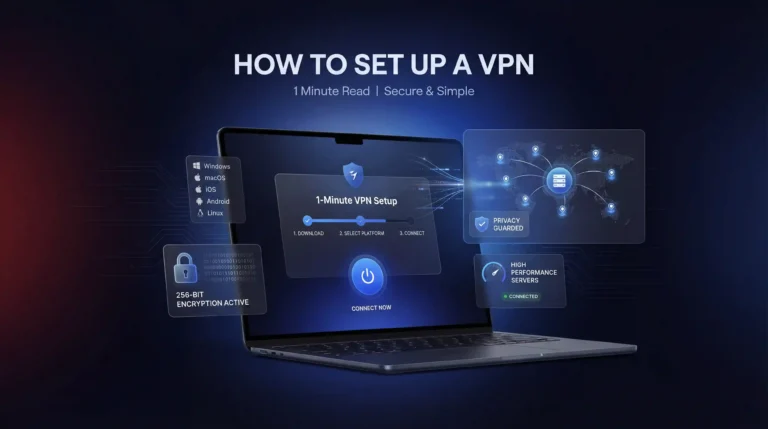
- Download the VPN app from the provider’s website or your device’s app store.
- Sign in with your account credentials.
- Select a server in the country where the content is available: a US server for Netflix US, a UK server for BBC iPlayer.
- Open your streaming service. The platform sees your VPN’s IP address and grants access to that region’s library.
- If a service blocks you, switch to a different server in the same country. This resolves it almost every time.
For the best speeds, always choose a server geographically close to your actual location when possible. If quality drops, switch to WireGuard protocol in your VPN settings.
Is Using a VPN for Streaming Legal?
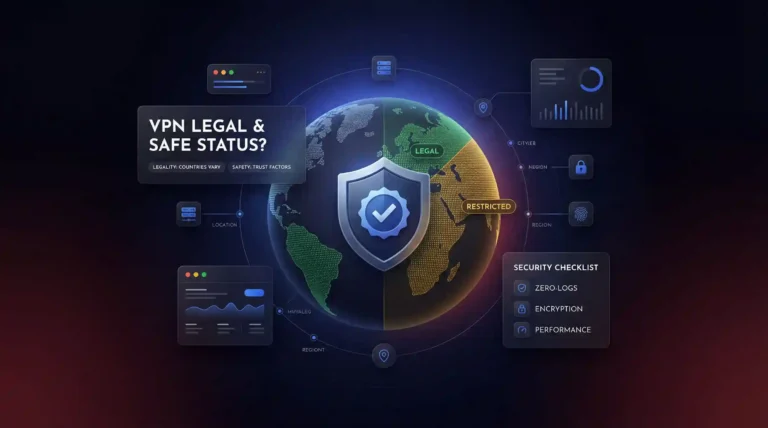
In most countries, yes. VPN use is legal in the US, UK, Canada, Australia and throughout Europe. Using one to bypass geo-restrictions does technically conflict with most platforms’ terms of service, but this is a civil matter, not a criminal one. The worst realistic outcome is the platform blocking your VPN’s IP and asking you to disable it.
VPN use is restricted or prohibited in a small number of countries including China, Russia and Iran. Research local laws carefully if you’re in one of these regions.
Best VPN for Streaming: FAQs
The Bottom Line
The best VPN for streaming depends on what matters most to you but you genuinely cannot go wrong with any of the five providers on this list. They have all proven themselves in real-world testing across multiple streaming platforms, devices and geographic locations.
Whatever you choose, make sure to test it during the guarantee window using the specific streaming services you care about most.