Avast SecureLine VPN Review: Features & Performance
Read our Avast SecureLine VPN review to see how it stacks up on speed, security, and streaming. Compare features with top competitors.
 Michael Gargiulo
Top VPN Alternatives



Avast SecureLine VPN at a Glance
Before diving into the Netflix-specific issues, here’s a quick overview of Avast SecureLine VPN’s core specs and how they compare to top-tier competitors.
| Feature | Avast SecureLine VPN | NordVPN | ExpressVPN |
|---|---|---|---|
| Server count | 55 servers in 34 countries | 7,000+ servers in 118 countries | Servers in 105 countries |
| Encryption | AES-256 | AES-256 | AES-256 |
| Protocols | OpenVPN, IPSec | NordLynx (WireGuard), OpenVPN | Lightway, OpenVPN |
| Kill switch | Yes | Yes | Yes |
| Netflix libraries accessed | UK, USA, Norway (limited) | 15+ libraries | 15+ libraries |
| Simultaneous connections | 10 | 10 | 8 |
| Free trial | 7 days | No (30-day money-back guarantee) | No (30-day money-back guarantee) |
| Starting price | ~$4.59/month (2-year plan) | ~$3.69/month (2-year plan) | ~$6.67/month (annual plan) |
| Logging policy | Logs connection timestamps | Independently audited no-logs | Independently audited no-logs |
| Jurisdiction | Czech Republic | Panama | British Virgin Islands |
Avast SecureLine covers the basics: AES-256 encryption, a kill switch, and support for OpenVPN. It works fine for casual browsing and basic privacy. But its small server network, lack of independent privacy audits, and poor streaming performance put it well behind dedicated competitors.
Does Avast SecureLine Work with Netflix?
In short, barely. Out of 55 servers, only a handful can still access Netflix. Users have reported limited success with select UK, USA, and Norway servers. Even those connections are unreliable. Netflix detects and blocks the IP addresses quickly, and Avast doesn’t rotate them fast enough to stay ahead.
When Netflix blocks your VPN, you’ll see an error message like: “You seem to be using an proxy or proxy.” At that point, the only fix is switching to a different server or a different VPN entirely.
For context, providers like NordVPN maintain thousands of servers and actively refresh IP addresses to stay ahead of Netflix’s detection systems. Avast’s 55-server network doesn’t have the scale to compete.
Why Netflix Blocks VPN Servers
Netflix blocks VPNs because of content licensing agreements. The company purchases distribution rights on a country-by-country basis. A show licensed for the US library may not be licensed in Canada or Germany. When a VPN user in Canada connects through a US server, they access content Netflix isn’t authorized to show in that region.
This creates a copyright compliance issue. To protect its licensing deals, Netflix uses several detection methods:
- IP blacklisting: Netflix identifies IP addresses associated with VPN servers and blocks them. Any user connecting through a flagged IP gets an error screen.
- Traffic pattern analysis: Groups of users sharing a single IP address signal VPN usage. Residential users rarely share IPs at that scale.
- DNS leak detection: If your DNS requests don’t match your apparent IP location, Netflix flags the mismatch.
- Deep packet inspection: Advanced analysis of encrypted traffic patterns can reveal VPN usage even without seeing the content of your data.
Large VPN providers fight back by constantly purchasing new IP addresses and rotating servers. This is expensive. Only companies with significant infrastructure budgets can sustain it. Avast, with its small server footprint, gets outpaced quickly.
Where Avast SecureLine Falls Short for Streaming
The core problem is scale. Avast operates just 55 servers across 34 countries. Compare that to NordVPN’s 7,000+ servers or ExpressVPN’s presence in 105 countries. When Netflix blacklists an Avast IP address, there are very few backup servers to rotate to.
Here’s what Avast users typically experience:
- Frequent proxy errors when connecting to US, UK, or other popular Netflix libraries
- Inconsistent access where a server works one day and fails the next
- Slow streaming speeds on the few servers that do connect, since many users crowd onto the same working IPs
- No access to most international libraries beyond UK, USA, and Norway
Avast also doesn’t offer any streaming-specific features. NordVPN’s SmartPlay technology automatically routes streaming traffic through optimized servers. ExpressVPN maintains a dedicated MediaStreamer DNS for devices that can’t run VPN apps natively. Avast has no equivalent tool.
Where Avast SecureLine VPN Works Well
Avast SecureLine isn’t a bad product for every use case. If Netflix streaming isn’t your priority, it has genuine strengths:
- Simple interface: The app is beginner-friendly. Connect with one click on Windows, Mac, iOS, or Android.
- Trusted brand: Avast is a well-known cybersecurity company with decades of experience in antivirus and security software.
- 7-day free trial: You can test the full service before paying. Neither NordVPN nor ExpressVPN offers a free trial (they use 30-day money-back guarantees instead).
- Basic privacy protection: AES-256 encryption and a kill switch provide solid protection for browsing, public Wi-Fi, and general online privacy.
- Bundling options: If you already use Avast antivirus, the VPN integrates cleanly into the existing software suite.
For users who need a VPN for secure browsing, public Wi-Fi protection, or light geo-accessing, Avast SecureLine can get the job done. But for dedicated streaming, especially Netflix, it’s outclassed.
For a broader look at Avast’s VPN beyond streaming, see our full Avast VPN review, which covers speed, privacy, encryption, and pricing in detail.
Best Alternatives for Netflix Streaming
If Netflix access is important to you, these two providers consistently outperform Avast SecureLine:
NordVPN
NordVPN runs over 7,000 servers in 118 countries. Its SmartPlay feature automatically optimizes connections for streaming. It reliably accesses 15+ Netflix libraries including the US, UK, Japan, and Australia. Speeds are fast enough for 4K streaming without buffering. Plans start around $3.69/month on the two-year deal. Every subscription includes a 30-day money-back guarantee. NordVPN allows up to 10 simultaneous connections per account.
ExpressVPN
ExpressVPN operates servers in 105 countries and uses its proprietary Lightway protocol for fast, stable connections. It accesses Netflix in most major regions. It works on a wide range of devices, including smart TVs and routers that don’t support native VPN apps. Pricing starts at about $6.67/month on the annual plan, with a 30-day money-back guarantee.
See our full best VPN for streaming guide for a broader comparison of providers that reliably access Netflix and other platforms.
How to Stream Netflix with a VPN
No matter which VPN you choose, the process for streaming Netflix is straightforward.
On a Computer
- Create an account and subscribe to your VPN provider.
- Download and install the VPN app.
- Open the app and connect to a server in the country whose Netflix library you want.
- Go to Netflix.com in your browser and log in.
- You’ll now see the content library for the server’s country.
If you’re not sure which country has the show you want, search for the title plus “Netflix availability” to find the right region.
On a Mobile Phone
The steps are the same as on a computer. Use your VPN provider’s mobile app (available on iOS and Android) instead of a desktop client. Every VPN we recommend for streaming has a mobile app that connects in two taps.
On a Smart TV
Some smart TVs, like Amazon Fire TV, support VPN apps directly. Download your VPN’s app, log in, select a server, and start streaming.
For TVs that don’t support VPN apps (like Roku or most Samsung models), you have two options:
- Install the VPN on your router. This protects every device on your network, including your TV. Follow our guide on how to set up a VPN for step-by-step instructions.
- Use a VPN provider’s Smart DNS feature. NordVPN’s SmartPlay and ExpressVPN’s MediaStreamer both work on devices that can’t run VPN software natively.
Installing a VPN on your router also helps you get around device limits. Your provider only sees the router as one connected device.
Tips to Avoid Netflix VPN Blocks
Even with a capable VPN, you can improve your chances of uninterrupted streaming:
- Clear your browser cookies and cache before connecting. Netflix may use stored location data to detect mismatches.
- Switch servers if one gets blocked. Large providers like NordVPN have multiple servers per country.
- Disable IPv6 in your system’s network settings. Some VPNs don’t fully tunnel IPv6 traffic, which can leak your real location.
- Keep your VPN app updated. Providers push updates specifically to stay ahead of Netflix’s detection methods.
- Use obfuscated servers if available. NordVPN offers this feature, which disguises VPN traffic as regular HTTPS traffic.
Pros of Avast SecureLine VPN
- 7-day free trial lets you test before paying
- Backed by Avast, a well-known cybersecurity brand
- AES-256 encryption and kill switch for solid basic security
- Can access UK, USA, and Norway Netflix libraries on select servers
- Simple, beginner-friendly interface on all platforms
Cons of Avast SecureLine VPN
- Only 55 servers — most are blacklisted by Netflix
- Cannot reliably stream Netflix in most regions
- No independent audit of its logging policy
- No streaming-specific features like SmartPlay or MediaStreamer
- Slower speeds on congested servers compared to NordVPN or ExpressVPN
Final Verdict: Avast SecureLine VPN for Netflix
Avast SecureLine VPN is a functional privacy tool for basic browsing. It is not built for streaming. Its 55-server network can’t keep up with Netflix’s aggressive IP blocking. It also lacks the streaming-optimized features that competitors offer.
If you’re already an Avast user and only need occasional access to UK, US, or Norway Netflix, the 7-day free trial is worth testing. But if reliable Netflix streaming across multiple libraries is your goal, NordVPN or ExpressVPN are the clear upgrades.
For a full breakdown of Avast’s security features, speed performance, and pricing outside of streaming, read our comprehensive Avast VPN review. And if you’re shopping for the best streaming VPN overall, our best VPN for streaming guide compares the top providers side by side.
Resources for this page
Charts and reference images from our testing, free to view and share.
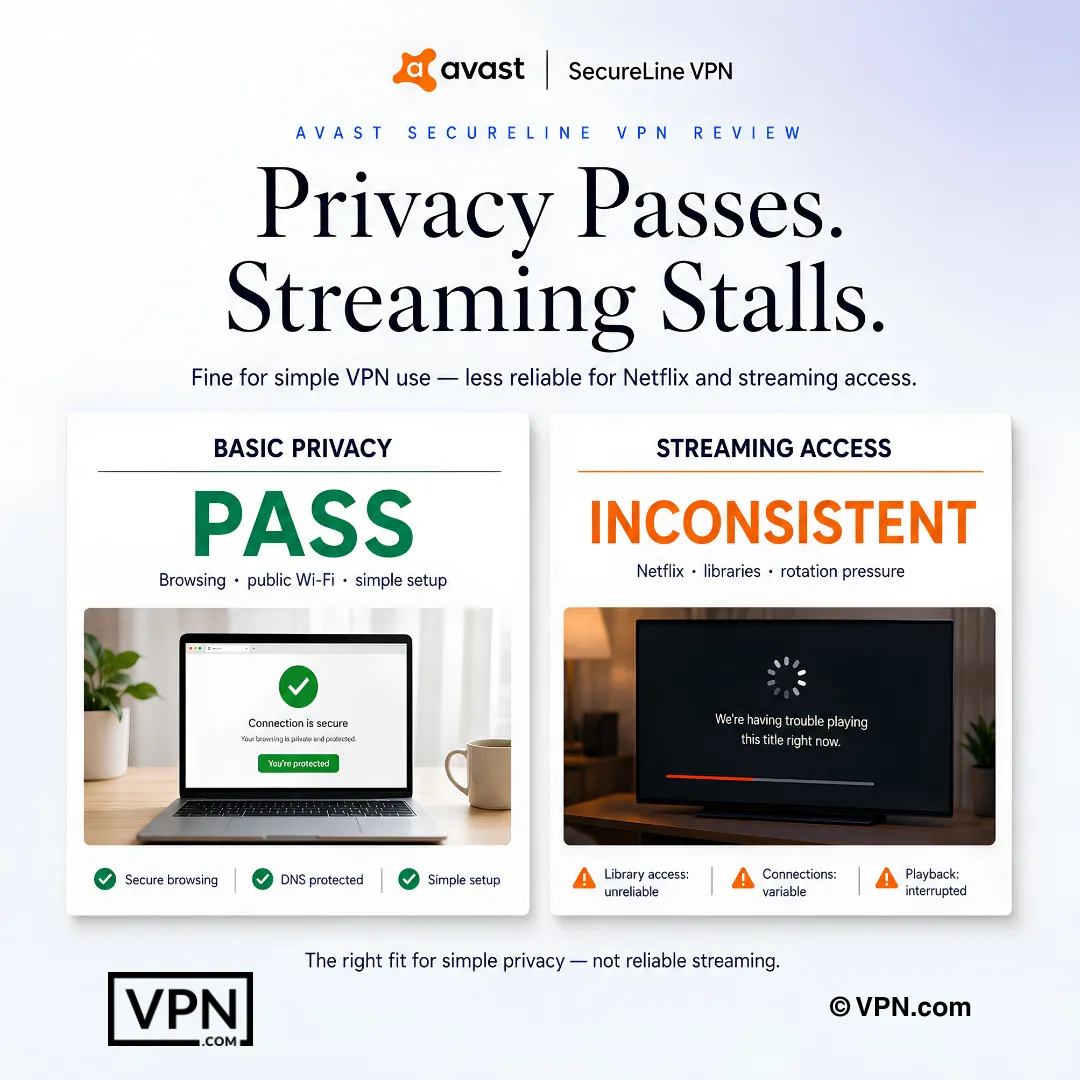
Avast SecureLine fits basic privacy needs better than reliable Netflix or streaming access.
Frequently Asked Questions
Does Avast SecureLine VPN actually work with Netflix?
Only in limited fashion. Out of its 55-server network, just a handful of servers still reach Netflix, mainly the UK, USA, and Norway libraries, and even those connections are inconsistent since Netflix’s IP blacklisting outpaces Avast’s ability to rotate addresses fast enough. For reliable access across more libraries, dedicated streaming VPNs like NordVPN or ExpressVPN are a stronger match.
Why does Netflix detect and block Avast SecureLine’s servers so quickly?
Netflix relies on IP blacklisting, traffic pattern analysis, DNS leak detection, and deep packet inspection to flag VPN traffic, and Avast’s 55-server footprint gives it too few IP addresses to stay ahead of these checks. Large providers fight blacklisting by constantly buying new IPs, an expensive strategy that competitors with bigger infrastructure, like NordVPN’s 8,900+ servers, can sustain far better.
Is Avast SecureLine’s privacy policy something I can trust?
Partially. Avast SecureLine uses AES-256 encryption and a kill switch, but it logs connection timestamps and operates under Czech Republic jurisdiction, with no independent audit of that logging policy. Compare that to NordVPN, based in Panama with a Cure53-audited no-logs policy, and ExpressVPN, based in the British Virgin Islands with audits from PwC and Cure53.
What exactly do I get with Avast SecureLine’s 7-day free trial?
The 7-day free trial gives full access to the paid service, including AES-256 encryption, the kill switch, and all 55 servers, before any charge hits your card. Neither NordVPN nor ExpressVPN offers a comparable trial; both instead back every plan with a 30-day money-back guarantee, letting you pay upfront and request a refund within a month if unsatisfied.
Does Avast SecureLine come with a refund guarantee after I subscribe?
No, Avast SecureLine relies on its 7-day free trial rather than a post-purchase refund window, so your decision period closes once the trial ends and you commit to a paid term. NordVPN and ExpressVPN both take the reverse approach, charging upfront but backing every plan with a 30-day money-back guarantee that gives you a full month to test after paying.
How many devices can I run on a single Avast SecureLine subscription?
Avast SecureLine supports 10 simultaneous connections per account, tying NordVPN’s device allowance. ExpressVPN offers 10 to 14 simultaneous devices depending on plan, and Surfshark allows unlimited connections. For most households, 10 covers phones, laptops, and tablets comfortably, but heavier multi-device setups may find ExpressVPN’s higher tiers or Surfshark’s unlimited option more accommodating.
What encryption and protocols does Avast SecureLine use to secure my connection?
Avast SecureLine encrypts traffic with AES-256 and supports OpenVPN and IPSec protocols, paired with a kill switch that cuts your connection if the VPN drops. That’s the same encryption standard NordVPN and ExpressVPN use, though those competitors add newer protocols too, NordLynx (WireGuard-based) for NordVPN and Lightway for ExpressVPN, which generally deliver faster, more stable connections than OpenVPN alone.
Why does Avast’s small server network limit its streaming reliability?
With only 55 servers spread across many countries, Avast has very few backup IP addresses to switch to once Netflix blacklists one, so users report frequent proxy errors and access that works one day and fails the next. NordVPN’s 8,900+ servers and ExpressVPN’s 3,000+ servers give both far more addresses to rotate through whenever Netflix flags one.
What should I do when Avast shows a proxy error on Netflix?
That error means Netflix has blacklisted the IP address of your current server. Switch to a different Avast server, ideally one in the UK, USA, or Norway since those are the libraries Avast can still reach, and clear your browser cookies and cache first since Netflix sometimes flags mismatched cached location data. If the error persists, a larger-network provider like NordVPN is the more durable fix.
How do I stream Netflix through Avast SecureLine on a Smart TV without a native app?
Avast SecureLine has no dedicated smart DNS tool like NordVPN’s SmartPlay or ExpressVPN’s MediaStreamer, so on TVs without native VPN support, such as most Roku or Samsung models, you’ll need to install Avast on a compatible router instead. That routes every device on your home network, including the TV, through the VPN connection at once.
Which Netflix libraries can Avast SecureLine actually access?
Avast SecureLine reliably reaches only the UK, USA, and Norway Netflix libraries, and even those connections are limited and inconsistent since Netflix blacklists servers faster than Avast can rotate IPs across its 55-server network. That’s a fraction of what NordVPN and ExpressVPN offer, both of which access 15+ Netflix libraries, including Japan and Australia, through dedicated streaming-optimized servers.
Does Avast SecureLine’s limited server network cause streaming speed problems?
Yes, congestion is a common complaint since Avast’s 55 servers concentrate many users onto the same working IPs once others get blacklisted, resulting in slower speeds on the few servers still able to reach Netflix. NordVPN, by comparison, ranks #1 of 22 in our Speed Lab, aggregated from independent labs, reflecting the throughput advantage of a much larger, less congested server network.