NordVPN Free Trial: 30-Day Money-Back Guarantee
Try NordVPN risk-free through its 30-day money-back guarantee. The NordVPN free trial gives full access to every feature, refunded if you cancel in time.
VPNs with Free Trials




NordVPN Free Trial
NordVPN offers a 7-day free trial on iOS and Android. No payment processes until the trial ends. You get full access to every server, protocol, and feature. For desktop users, the 30-day money-back guarantee serves as a risk-free alternative on all platforms.
This page covers the trial and refund process. For the full service breakdown, read our NordVPN review.
How the 7-Day NordVPN Free Trial Works
The free trial is exclusive to mobile devices. You activate it through the App Store (iOS) or Google Play Store (Android). Apple and Google handle the billing, not NordVPN directly.
During the 7 days, you access every feature NordVPN offers. That includes 7,100+ servers in 118 countries, NordLynx protocol, Threat Protection Lite, and 10 simultaneous device connections. The trial account works on desktop too. Just sign in on Windows, Mac, or Linux with the same credentials.
Cancel before day 7 and you pay nothing. Forget to cancel, and the subscription auto-renews at the plan price you selected during signup.
Step-by-Step Activation
- Download NordVPN from the App Store or Google Play Store.
- Open the app and tap “Sign Up.”
- Select a subscription plan. The trial attaches to your chosen plan length.
- Confirm through Apple ID or Google account payment.
- Your 7-day trial starts immediately. Set a calendar reminder for day 6.
One important detail: the trial is available once per Apple ID or Google account. You cannot reset it by creating a new NordVPN account on the same app store profile.
NordVPN Money-Back Guarantee
Every NordVPN plan includes a 30-day money-back guarantee. This applies to all platforms, all plan lengths, and all payment methods except gift cards and prepaid cards. It functions as a free trial for desktop users.
NordVPN markets this as “no questions asked.” In practice, the support agent may ask why you want to cancel. This is a retention attempt, not a barrier. State your reason and confirm your request. They process it.
How to Cancel NordVPN and Get a Refund
Live chat is the fastest method. Average resolution time runs 5-10 minutes. Here is the process:
- Go to NordVPN’s support page.
- Click the chat widget in the bottom-right corner.
- Tell the agent you want to cancel and request a refund.
- Confirm your account email when asked.
- Receive cancellation confirmation via email.
You can also email support@nordvpn.com. Email requests typically take 24-48 hours for a response. Live chat is better.
Refund Timeline
NordVPN processes refunds within 5-10 business days. The exact timing depends on your payment provider. Credit cards often take the full 10 days. PayPal refunds tend to arrive in 3-5 days. Cryptocurrency purchases are not eligible for refunds.
What You Get During the Trial and Guarantee Period
Both the 7-day trial and the 30-day guarantee period grant identical access. There are no feature restrictions, speed caps, or server limitations.
| Feature | Included |
|---|---|
| Server count | 7,100+ in 118 countries |
| Simultaneous connections | 10 devices |
| Protocol options | NordLynx, OpenVPN, IKEv2 |
| Threat Protection Lite | Yes |
| Meshnet | Yes |
| Double VPN | Yes |
| Obfuscated servers | Yes |
| Dedicated IP (add-on) | Yes, if purchased |
NordLynx, built on WireGuard[1], delivers speeds around 730 Mbps on gigabit connections in testing — see the full NordVPN speed test results. You experience the same performance during the trial as paying customers do long-term.
NordVPN Trial vs Competitors
Different VPN providers structure their risk-free options differently. Here is a direct comparison.
| Provider | Free Trial | Money-Back Guarantee | Free Tier |
|---|---|---|---|
| NordVPN | 7 days (mobile) | 30 days | No |
| ExpressVPN | None | 30 days | No |
| Surfshark | 7 days (mobile) | 30 days | No |
| CyberGhost | 1 day (mobile) | 45 days | No |
| Proton VPN | None | 30 days | Yes (limited) |
CyberGhost offers the longest guarantee at 45 days on plans of 6 months or longer. Proton VPN provides a permanent free tier, but it limits you to servers in 5 countries with slower speeds. ExpressVPN skips a free trial entirely and relies solely on its 30-day guarantee.
Surfshark matches NordVPN’s structure closely. Both offer 7-day mobile trials plus 30-day guarantees. NordVPN edges ahead with more servers and the NordLynx protocol advantage. Read our Surfshark review if you want to compare directly.
Before committing to a plan after your trial, check the NordVPN pricing breakdown to understand intro vs. renewal rates and which tier fits your needs.
References
- J. A. Donenfeld. n.d. WireGuard: fast, modern, secure VPN tunnel. Retrieved September 30, 2026 from https://www.wireguard.com/.Archived: Wayback Machine snapshot
Resources for this page
Charts and reference images from our testing, free to view and share.
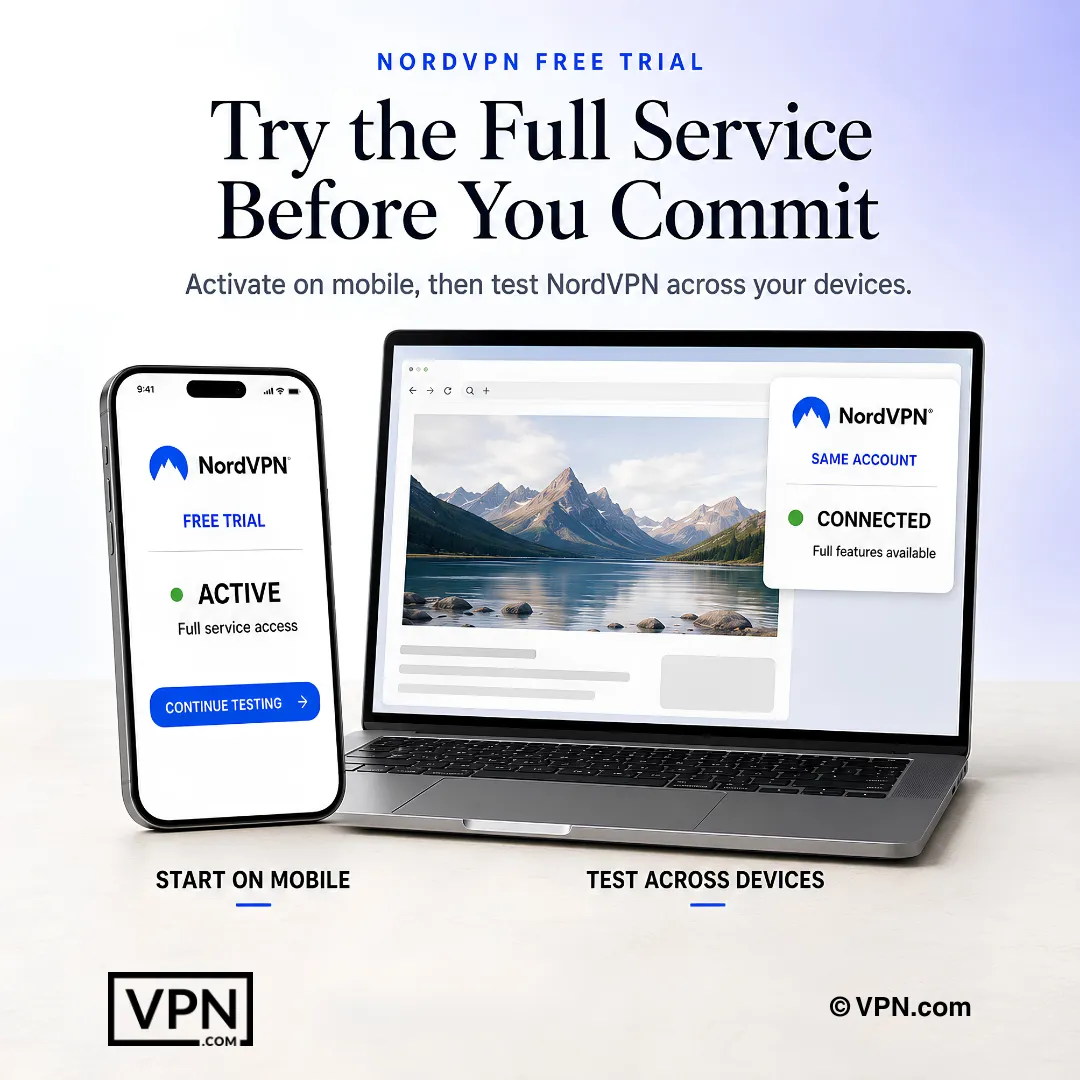
The NordVPN trial begins through the supported mobile route and can then be tested across devices using the same account.
Frequently Asked Questions
How does the NordVPN free trial actually work?
NordVPN’s free trial runs 7 days and is available only on iOS and Android, activated through the App Store or Google Play rather than NordVPN’s own site. Apple or Google handles billing directly, and you get full access to every server, protocol, and feature during those 7 days. Cancel before day 7 to avoid any charge.
What does NordVPN’s 30-day money-back guarantee actually cover?
It covers every NordVPN plan across all platforms and plan lengths, refundable within 30 days regardless of payment method, with gift cards and prepaid cards excluded. Since the free trial is mobile-only, this guarantee functions as the risk-free option for desktop users on Windows, Mac, and Linux who sign up directly.
What’s the fastest way to cancel NordVPN and request a refund?
Live chat is fastest, with average resolution around 5 to 10 minutes. Open the chat widget on NordVPN’s support page, tell the agent you want to cancel and refund, confirm your account email, then wait for a cancellation confirmation email. Emailing support@nordvpn.com works too, but responses typically take 24 to 48 hours.
What happens if I forget to cancel before the trial or guarantee window closes?
Your subscription auto-renews at the plan price you selected during signup, since the trial attaches directly to whichever plan length you chose. Set a calendar reminder around day 6 of the trial or before day 30 of the guarantee period to avoid an unwanted charge on your card or app store account.
Do I need to pay anything upfront during the free trial or guarantee period?
The 7-day mobile trial charges nothing until day 7 passes. The 30-day guarantee works differently: you pay upfront when subscribing, then request a refund within 30 days if you cancel. Refunds process in 5 to 10 business days depending on your payment provider, though cryptocurrency purchases aren’t eligible for refunds at all.
Can I use my NordVPN trial account on a desktop computer too?
Yes. Once you activate the mobile trial, sign into the same account on Windows, Mac, or Linux using identical credentials, and it works there too. NordVPN supports 10 simultaneous device connections per account overall, so testing on desktop alongside your phone during the trial doesn’t require a separate signup.
What features do you get during the trial and guarantee period?
Both periods grant identical, unrestricted access: NordLynx protocol, Threat Protection Lite, Meshnet, Double VPN, and obfuscated servers, all with no speed caps or server limitations. Dedicated IP remains available only as a paid add-on even during the trial. You’re testing the exact same infrastructure a long-term paying subscriber uses.
How does NordVPN’s trial structure compare to ExpressVPN, Surfshark, and CyberGhost?
NordVPN’s 7-day mobile trial matches Surfshark’s identical structure, both paired with 30-day guarantees. ExpressVPN skips a trial entirely and relies solely on its 30-day guarantee. CyberGhost offers just a 1-day mobile trial but compensates with a longer 45-day guarantee. None of these four providers offer a permanent free tier.
Can I restart the free trial if I already used it once?
No. NordVPN limits the trial to once per Apple ID or Google account, and creating a new NordVPN account on that same app store profile won’t reset it. If you’ve already used your trial, the 30-day money-back guarantee on a direct signup becomes your only remaining risk-free path.
How long does a NordVPN refund actually take to land back in my account?
NordVPN processes refunds within 5 to 10 business days, but the exact timing depends on your payment method. Credit card refunds often take the full 10 days, while PayPal refunds tend to arrive faster, in 3 to 5 days. Cryptocurrency purchases are excluded from refunds entirely under this policy.
Can I actually test streaming performance during the trial before committing to a paid plan?
Yes, since both the trial and guarantee period apply no speed caps or server restrictions, streaming performance matches what paying subscribers get. NordLynx, built on WireGuard, contributes to NordVPN ranking #1 of 22 in our Speed Lab, aggregated from independent labs, so trial testing reflects genuine long-term performance, not a throttled preview.
What are the exact steps to start the NordVPN free trial?
Download the NordVPN app from the App Store or Google Play, open it and tap Sign Up, then select a subscription plan since the trial attaches to that plan’s length. Confirm through your Apple ID or Google account payment method, and your 7-day trial starts immediately. Set a reminder for day 6.
Is NordVPN’s “no questions asked” refund policy actually true in practice?
Largely, yes, though the process isn’t fully silent. NordVPN markets the guarantee as no questions asked, but a support agent may ask why you’re canceling before processing your request. This is a retention attempt rather than an actual barrier: state your reason, confirm the cancellation, and the refund proceeds regardless.